Free shipping for orders over $100
Harfo Fingerprint Smart Door Lock for Front with Handle Set, App Control, Keyless Entry Deadbolt, Digital Electronic Touchscreen Keypad
$79.99
On Sale
In stock: 10 available
Harfo Fingerprint Smart Door Lock for Front with Handle Set, App Control, Keyless Entry Deadbolt, Digital Electronic Touchscreen Keypad
Product Details
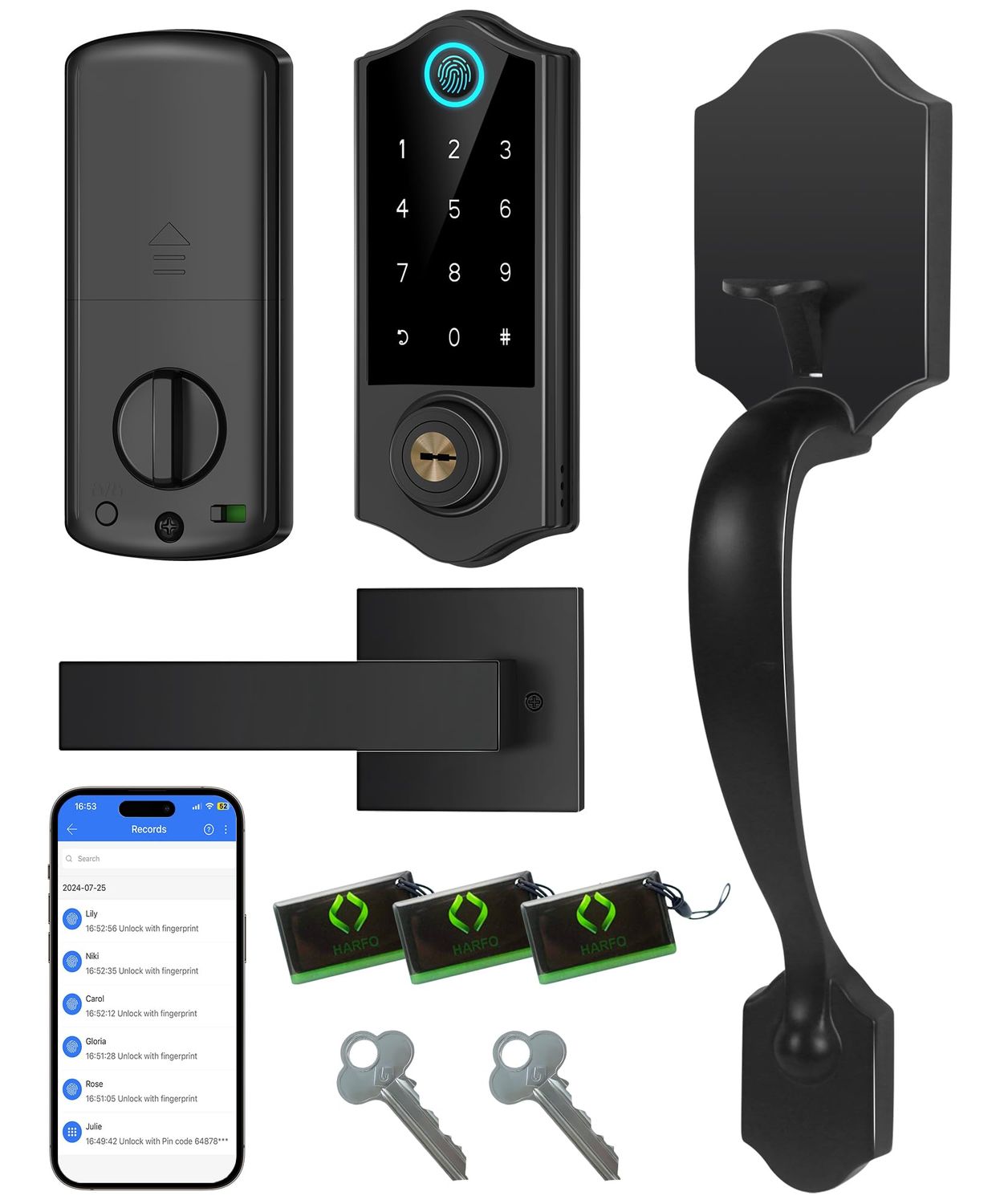
[All in 1 Fingerprint Door Lock] Fingerprints/ App/Passcode/IC Cards/Physical Keys/E-key. Smart deadbolt locks are always ready to protect your home, allowing you to set auto lock between 5~ seconds or apply 1-touch motorized locking, press # on keypad for 2s to activate one-touch lock.[Biometric Fingerprint Access] Unlock your door instantly with a quick fingerprint scan, offering secure and convenient entry without the need for keys or codes. Never worry about lost, stolen, or copied keys again.[APP Management] You can generate and share one-time, permanent, scheduled, and recurring code to your visitors, manage access rights and view access logs. Keyless lock features 50 fingerprints, passcodes, ic cards (3 include).[Remotely Control & Voice Control] Pair the keypad lock with Harfo Gateway(sold Separately.) You can remotely control via App, you can unlock or lock your door anytime, anywhere, while also working with Alexa/Google Assitant to enable voice control,receive real-time push notifications, monitor smart door lock status, etc.[Enhanced Security] The smart deadbolt features auto-lock, one-touch locking, Anti Peeping password keypad, privacy mode, passage mode, silent mode, Anti-wrong password, emergency power port to plug in for a temporary power supply.[Warm Tips] Door thickness range: inch to inch 35mm-50mm thick, work with standard wooden, left and right handed doors, great solution for Airbnb rental. NOTE: Please use 4pcs 1.5V AA dry batteries (No include). Rechargeable batteries are not recommended, because most rechargeable battery's voltage is 1.2V.[Auto Lock Function] When you turn on the auto lock function, the lock will auto lock when you use app/fingerprint/passcode/ic cards or lock/unlock button. Remenmber it won't auto lock if you turn the Thumb Turn to unlock. This is convenient if you want to keep the lock in unlock status temporarily.[Right Openig and Left Opening Door Setting] Adjust the thumb turn and “L/R Button” for left or right door opening. You can also directly set door direction on your app. Press setting---Door direction---Set open to left or right according to your door.